
Design guidelines
Our identity is about vision and values, capturing the experience of Downtown Lexington Partnership (DLP). Consistent use of design helps us build trust and generate lasting relationships with our partners.
Logo
This is our primary logo for all communications. It unique to us. Do not stretch, skew, or alter the spacing of any version of the logo for any reason.
 Download
 Symbol
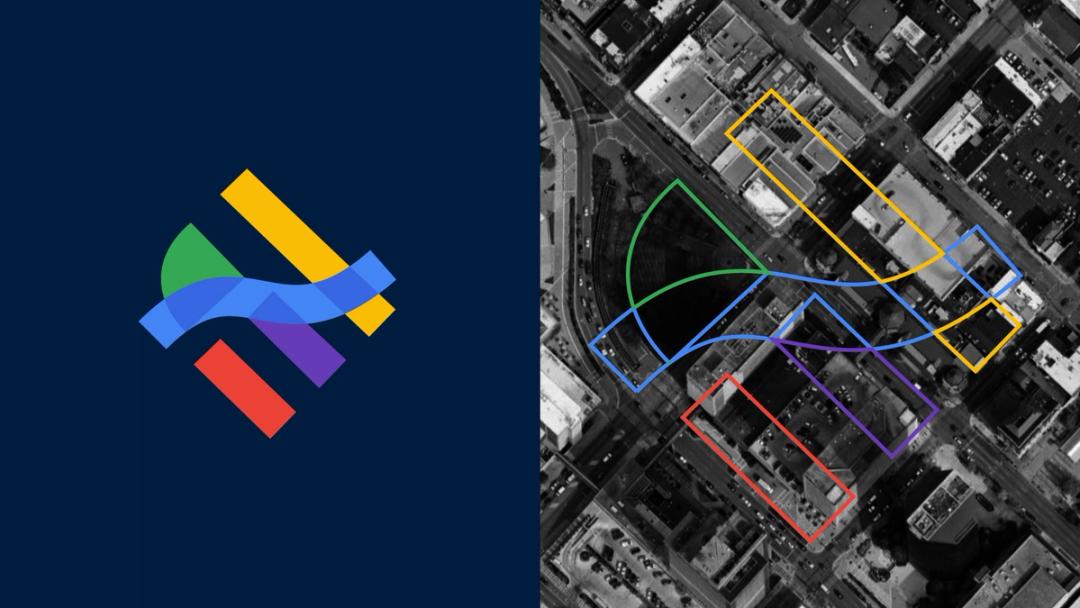
Our symbol depicts an overhead representation of downtown Lexington’s street grid, Triangle Park, and Town Branch Creek. Our symbol may be used as a standalone graphic element.
 Download
 Alternatives
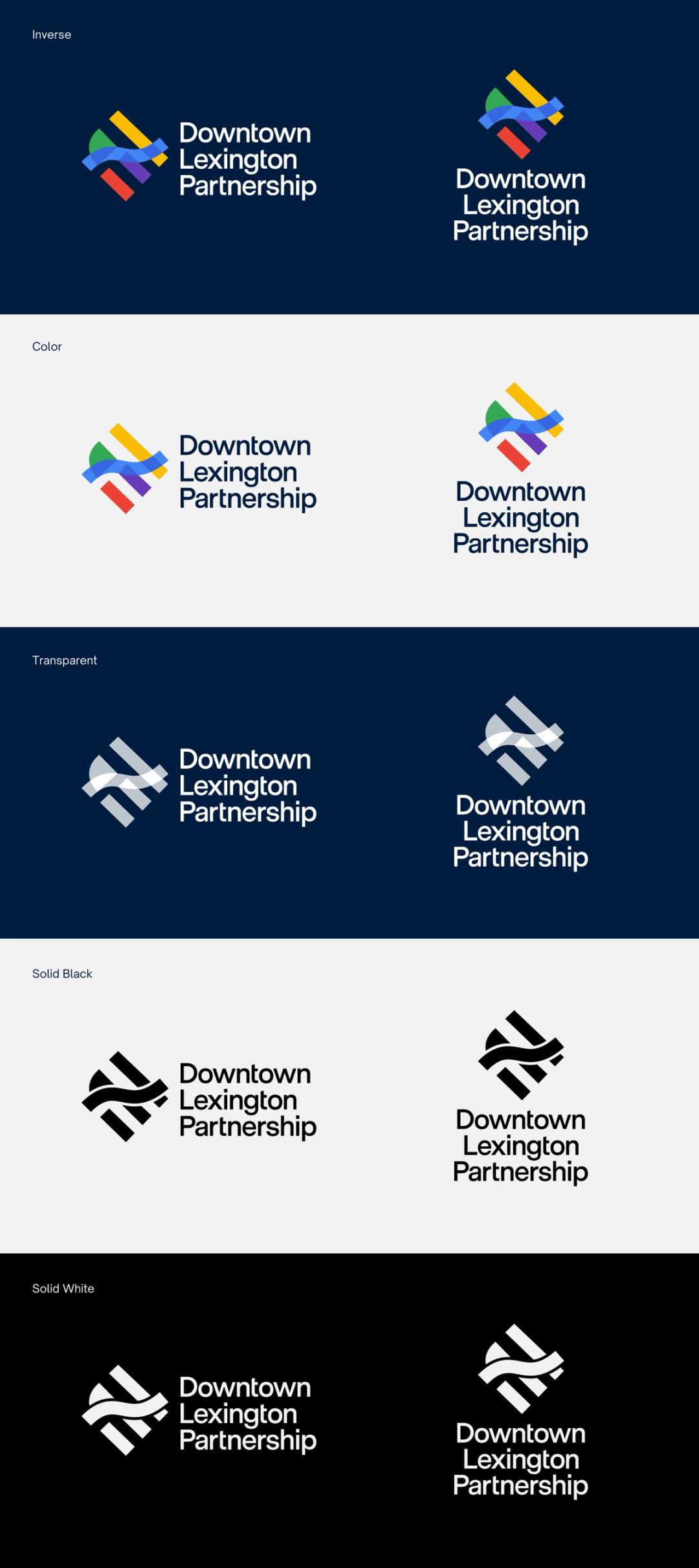
To maintain brand consistency across a range of applications, we have multiple logo variations, including horizontal, vertical, and simplified formats. These alternate versions are designed to offer flexibility while preserving brand integrity.
 Download
 Watermark
 Download
 Typography
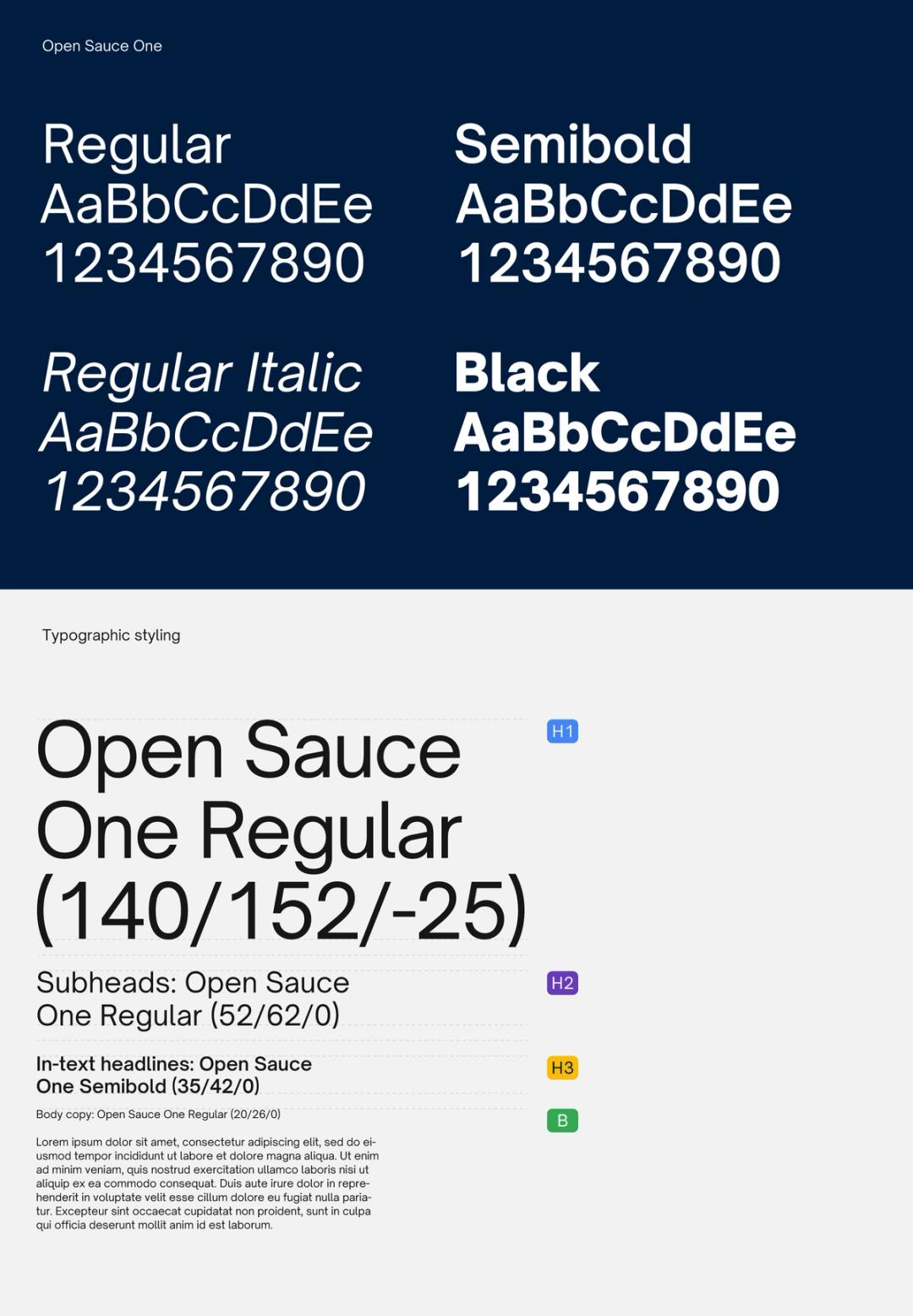
Fonts express as much as words. They convey feeling, establishing a consistent and ownable visual language for Downtown Lexington Partnership. Use Open Sauce One for all communications.
 Download
 Color usage

Accessibility
To ensure our brand is inclusive and accessible to all users, color usage must comply with accessibility standards, particularly when layering text, icons, or graphics on colored backgrounds.
Ensure strong contrast Text and important elements must have enough contrast with the background. Aim for a minimum contrast ratio of 4.5:1 to ensure readability for everyone.
Don’t rely on color alone Color should never be the only way to convey information. Always use labels, icons, or patterns alongside color to support users with visual impairments.
Avoid busy backgrounds Don’t place text over images or textured backgrounds unless there’s a solid overlay that keeps the text easy to read.
Colors
Color has enduring emotional appeal. Our colors are stable, vibrant, and accessible.
Dark blue
- Pantone 2965 C
- CMYK 100 / 40 / 0 / 82
- RGB 0 / 28 / 61
- Hex #001C3D
Blue
- Pantone 2173 C
- CMYK 82 / 36 / 0 / 0
- RGB 66 / 133 / 244
- Hex #4285F4
Purple
- Pantone 2665 C
- CMYK 65 / 73 / 0 / 0
- RGB 103 / 58 / 183
- Hex #673AB7
Yellow
- Pantone 123 C
- CMYK 0 / 16 / 89 / 0
- RGB 251 / 188 / 5
- Hex #FBBC05
Green
- Pantone 2270 C
- CMYK 66 / 0 / 90 / 0
- RGB 52 / 168 / 83
- Hex #34A853
Red
- Pantone 032 C
- CMYK 0 / 90 / 76 / 0
- RGB 234 / 67 / 53
- Hex #EA4335
Gray
- Pantone Cool Grat 9 C
- CMYK 50 / 40 / 34 / 17
- RGB 77 / 77 / 77
- Hex #4D4D4D
White
- Pantone White
- CMYK 0 / 0 / 0 /0
- RGB 255 / 255 / 255
- Hex #FFFFFF
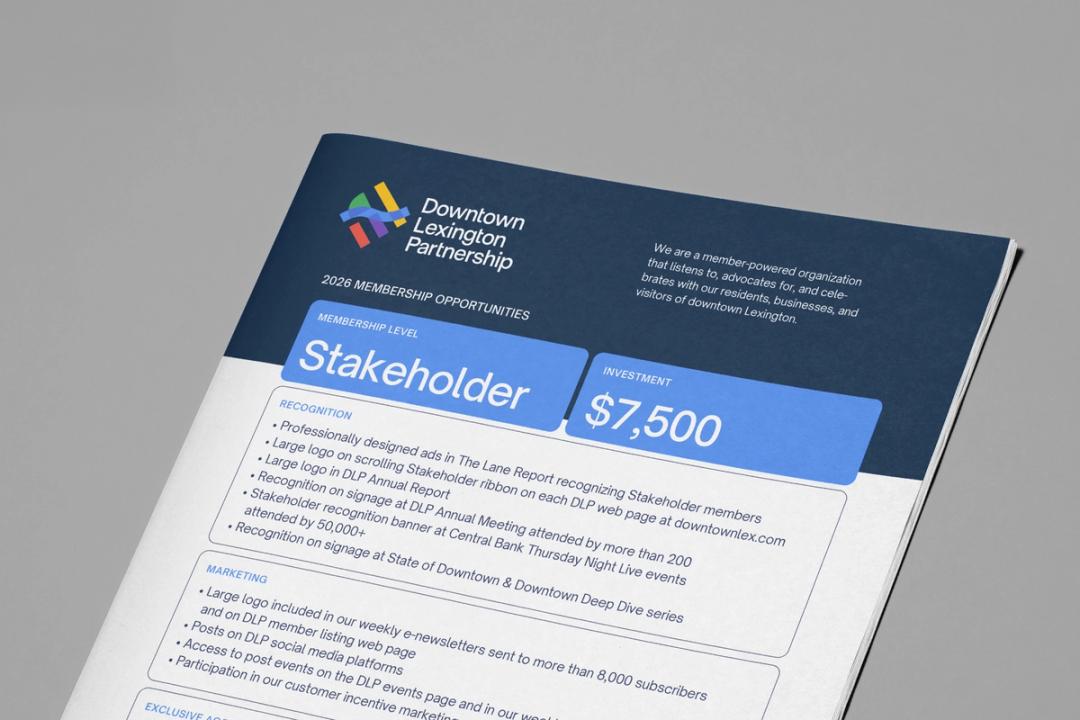
Membership
 Download
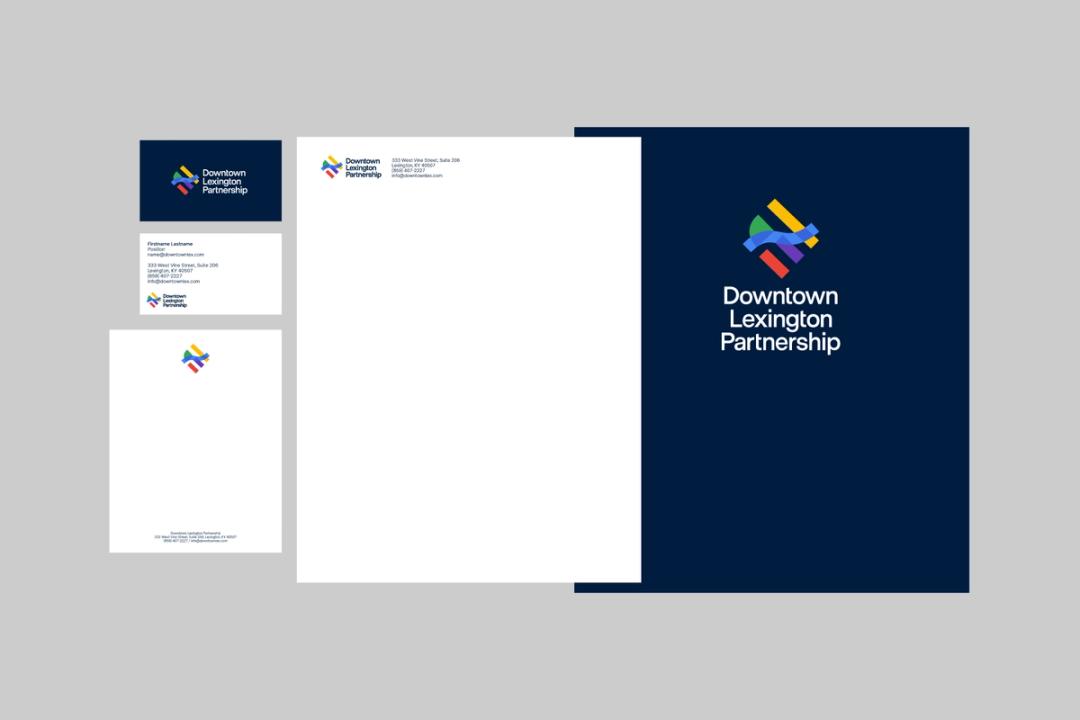
 Stationery
 Download
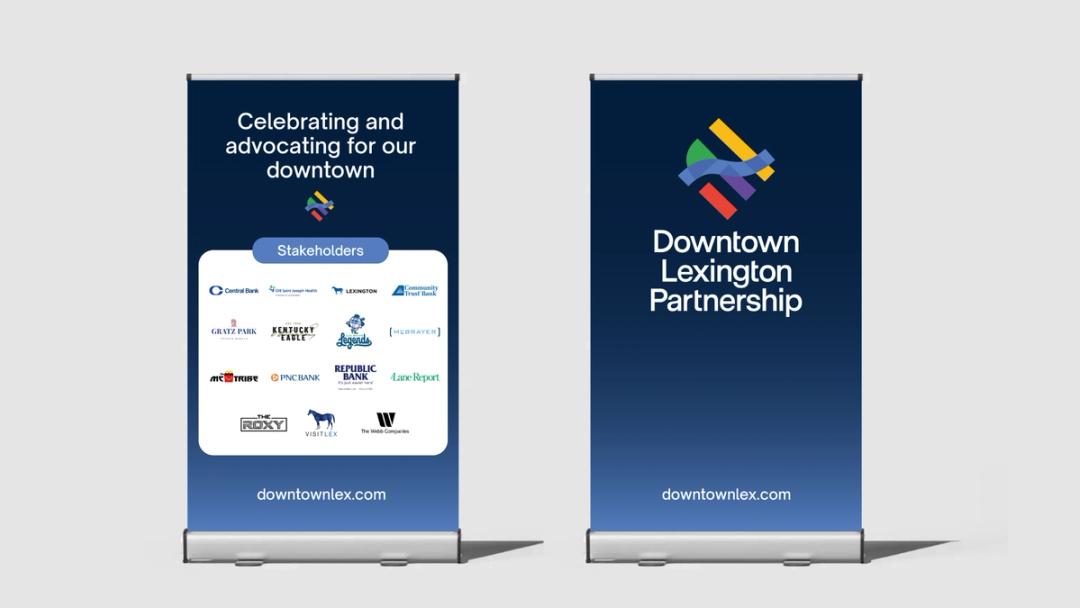
 Events
 Download
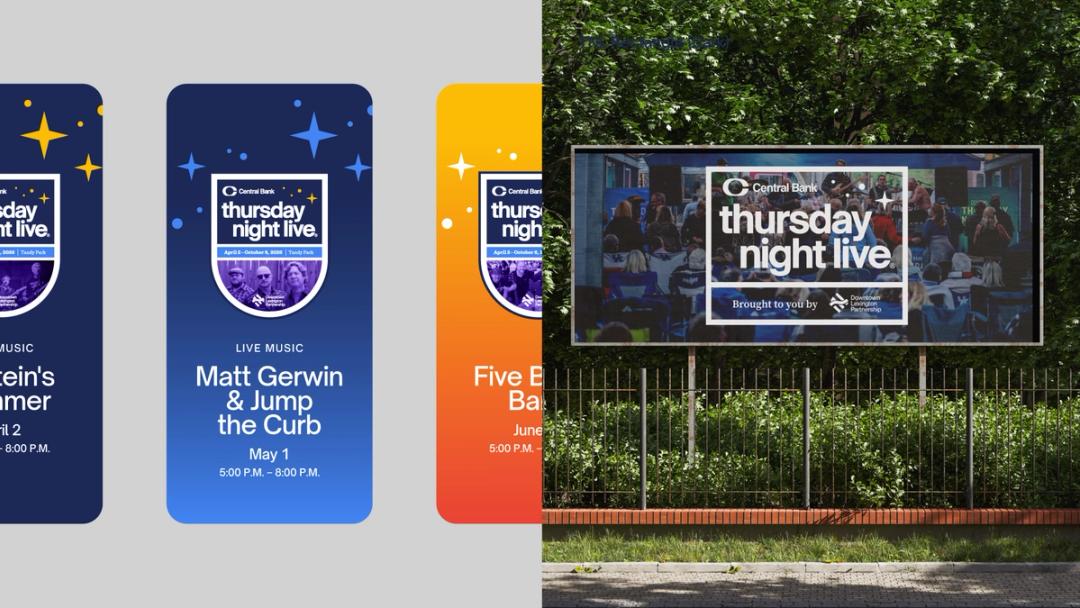
 Thursday Night Live
 Download
Social media